
Sample input
One clear 3D character image
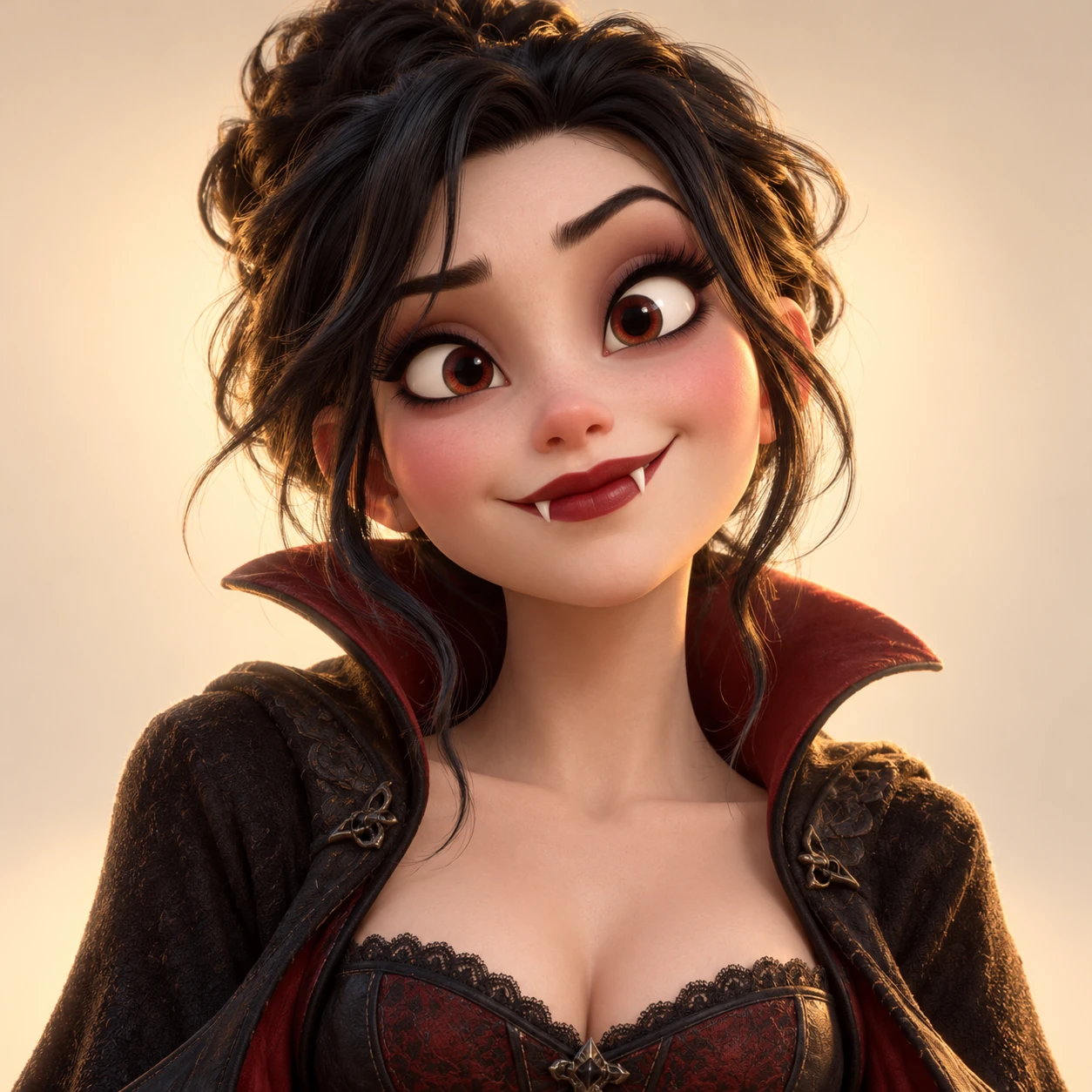
Real input · real result
The image on the left is the actual sample input. The playable video on the right is the finished result made from that same image.
Sample input
Finished result
Finished result
A stylized character works like a portrait when the subject is clear, the face is large enough to recognize, and both eyes are visible.
Example checked on October 22, 2026
The scene behind every version
The reference fixes the walk, framing, timing, cuts, and sound. Your uploaded image changes who appears throughout that same sequence.
FAQ
Yes. Use one clear character with a visible face, both eyes easy to see, and enough detail around the hair and shoulders. The sample above uses that exact approach.
No. One generation creates the complete 16.97-second edit—about 17 seconds—with the entrance and the full sequence of cinematic cuts.
Yes. The upload preview keeps the complete source image visible. For the strongest result, make sure the face is still large and sharp enough to recognize in the final square video.
Yes. Open the generator and the 3D character sample is already selected, so you can preview the example and choose the output quality immediately.
Make your version
The generator opens with this example ready, and you can replace it with your own portrait at any time.